Last Updated v11.3.0v1
The My Info page displays general information and announcements
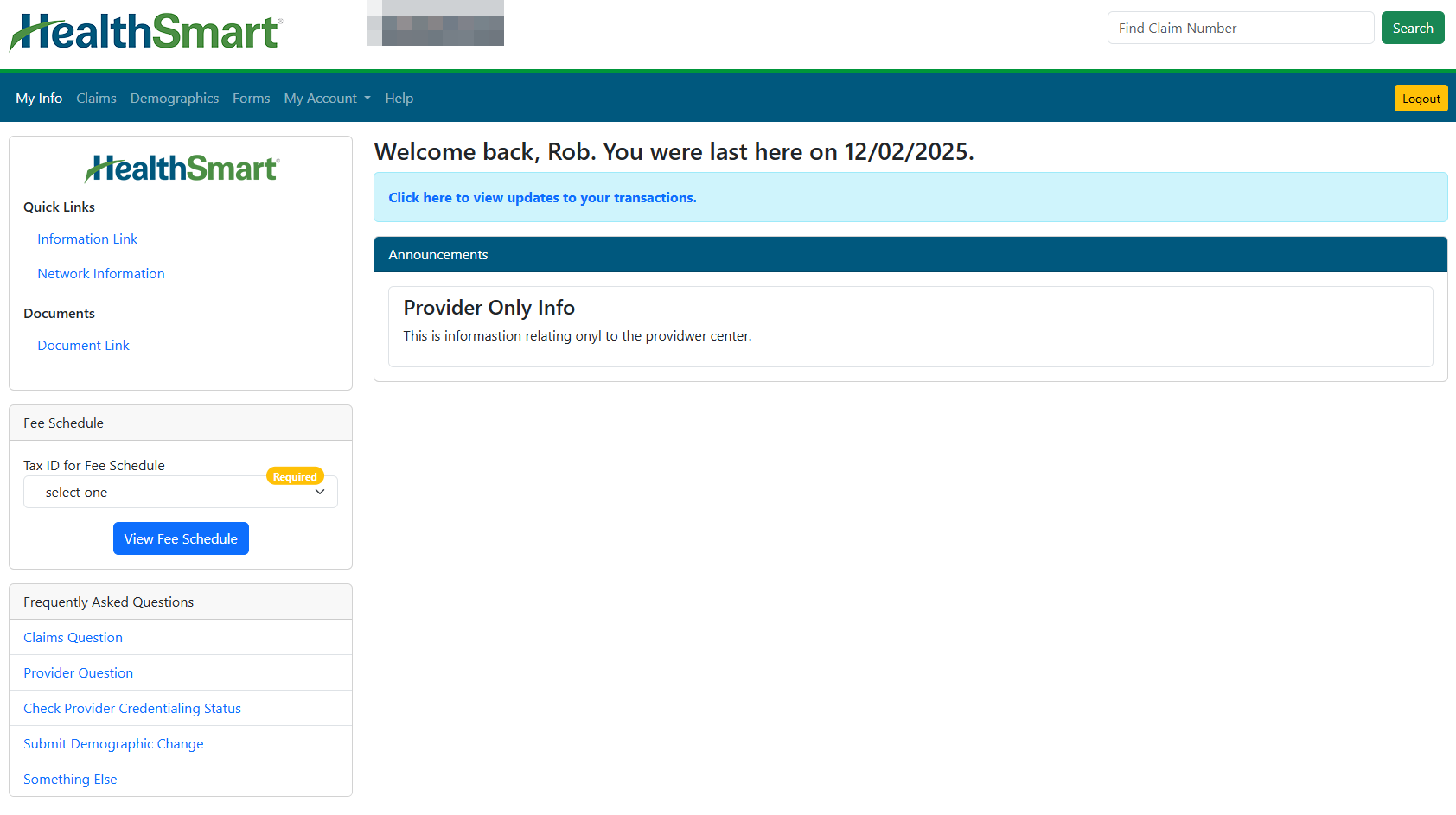
Menu Options

- My Info - The My Info menu option will take you to the main home page in Web eXchange. See the Help topic “My Info” for details.
- Members - Access participant claim, coverage, COBRA, FLEX, and other information. See the Help topic “Members” for details.
- Questions - Send a question to Customer Service or Technical support. See the Help topic “Questions” for details.
- Claims: Search for claim and status information based on your client access.
- Demographics - Search for practitioner/provider/facility information.
- Forms: Ask Questions, fill out web/online forms, Forms - Fill out online or download-able forms for things like requests, etc. (Not (not all forms available for all plans). See the Help topic “Forms” for detailsfor details.
- My Account - Access account settings and transaction history.
- Help - Access the comprehensive help system that describes every area of Web eXchange: Access this help guide.
- Logout: Exit the Web eXchange system, and return to the main login screen.
| Content by Label | ||||||||||||||
|---|---|---|---|---|---|---|---|---|---|---|---|---|---|---|
|