Last Updated v11.3.0v1
Allows for the updating of system preferences, email address, or password changes.
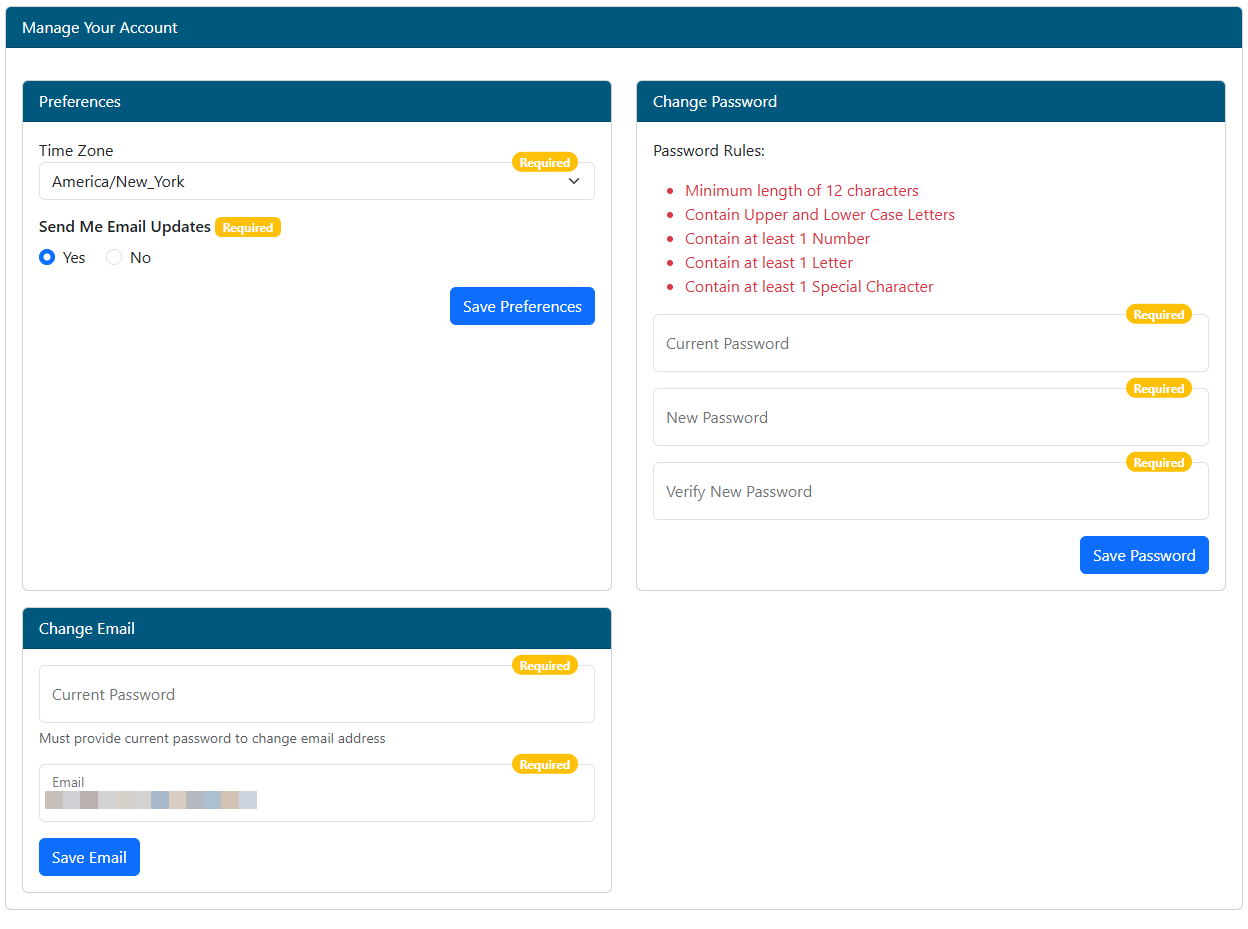
Preferences
- Time Zone - Set your preferred time zone.
- Send Me Email Updates -
- If set to "No", the system will no longer send notifications to your email. These include items such as, notification
- of transaction status updates, transactions pending approval
- .
Change Password
- Change Password - Type the existing password into the Current Password field. Type a new password into the “New Password” field and again in the “Verify New Password” field. The system will be updated with the new password specified and must be used on all future log-ins.
- The password must meet the requirements shown.
- The previous 3 passwords cannot be reused.
Change Email
- Email -
- This email address will be used to receive system notifications and retrieve lost passwords.
- The current account password is required to change the email
- .