-
Created by
 Rob Ables, last updated on Oct 22, 2025
1 minute read
Rob Ables, last updated on Oct 22, 2025
1 minute read
Security Center Options

The Security menu contains options to change the account password.
Change Password
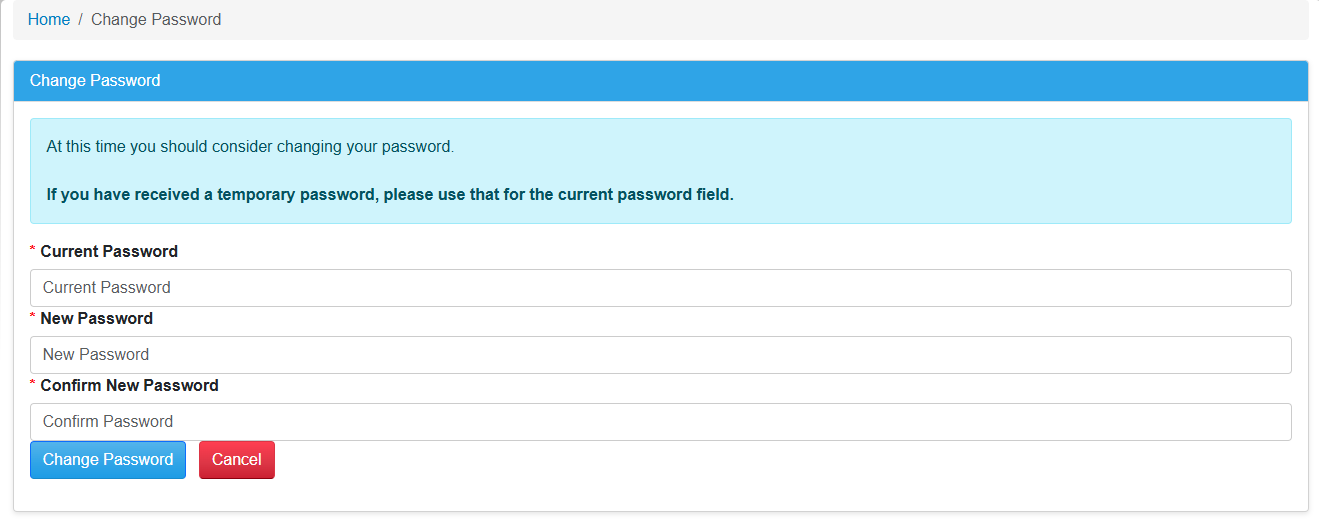
- Click the menu option "Change Password" to open this section.
- Use this screen to update the current account password.
- Enter the current password and new password information.
- Enter the new password and enter it again to confirm.
- The current myHealth password requirements will be listed below the Change Password panel.
- Click the Change Password button to complete the update.
Related pages